Launch Screen
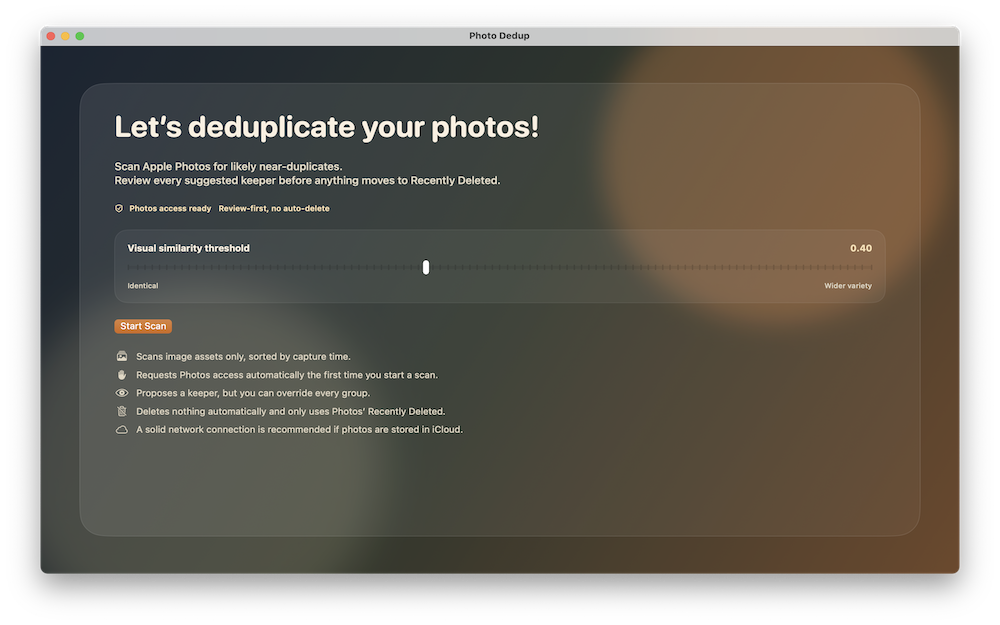
Start a scan, adjust visual similarity, and understand how the app works before anything happens.
Photo Dedup helps you review duplicate and near-duplicate photos in Apple Photos with a review-first workflow. You stay in control of every decision, from keeper selection to final deletion approval.
Start a scan, adjust visual similarity, and understand how the app works before anything happens.
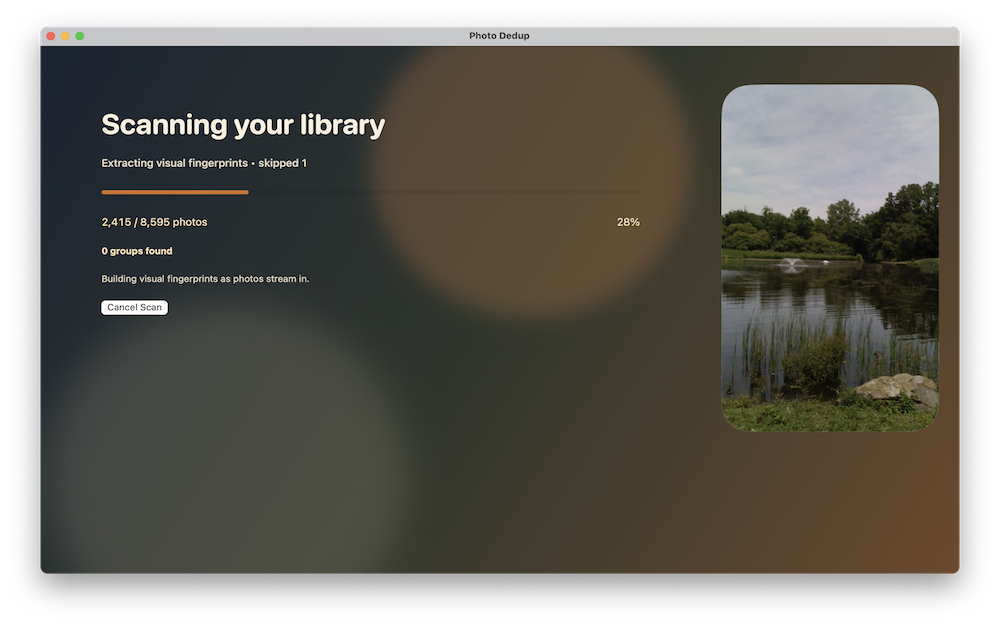
Track scan progress, photo counts, and duplicate groups found as the library is analyzed.
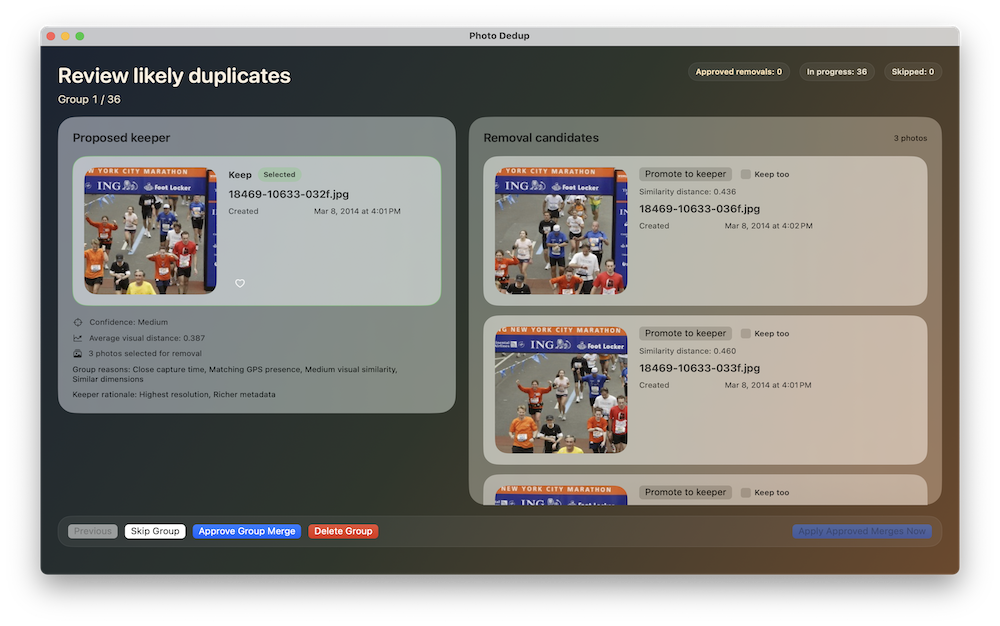
Review proposed keepers, compare candidates, and approve or skip groups one at a time.
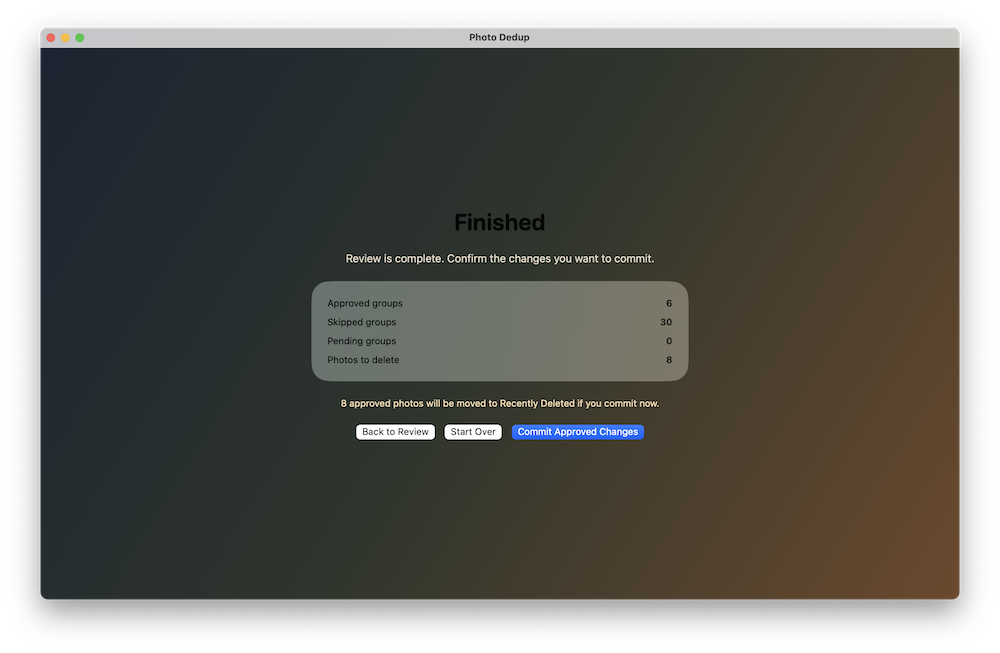
Confirm exactly how many photos will be deleted before committing the final changes.
Initial release of Photo Dedup for macOS.
Includes duplicate and near-duplicate review, manual keeper selection, favorite toggling, and Apple Photos Recently Deleted support.
No. Nothing is deleted automatically. You review suggested groups and approve all removals manually.
Approved photos are moved to Apple Photos’ Recently Deleted album, not permanently erased immediately.
Yes. You can promote another photo to keeper or keep multiple photos in the same group.
Yes. If some images are stored in iCloud, the app may need to retrieve them during scanning and review. A solid network connection is recommended.
No. Photo analysis is performed on-device. Photo Dedup does not upload your photo library to a developer server for duplicate detection.